Tags are another way to organize and filter accessibility data for courses and subaccounts.
For example, you can tag courses or subaccounts as key courses or different comparison samples. Another example is tagging department-level subaccounts for reporting.
Add tags to courses and subaccounts
Each subaccount and course can have up to five tags at a time.
- Select Admin then the account in the Global Navigation.
- Select Pope Tech Accessibility from the Course Navigation Menu.
- Select Settings in the Pope Tech navigation.
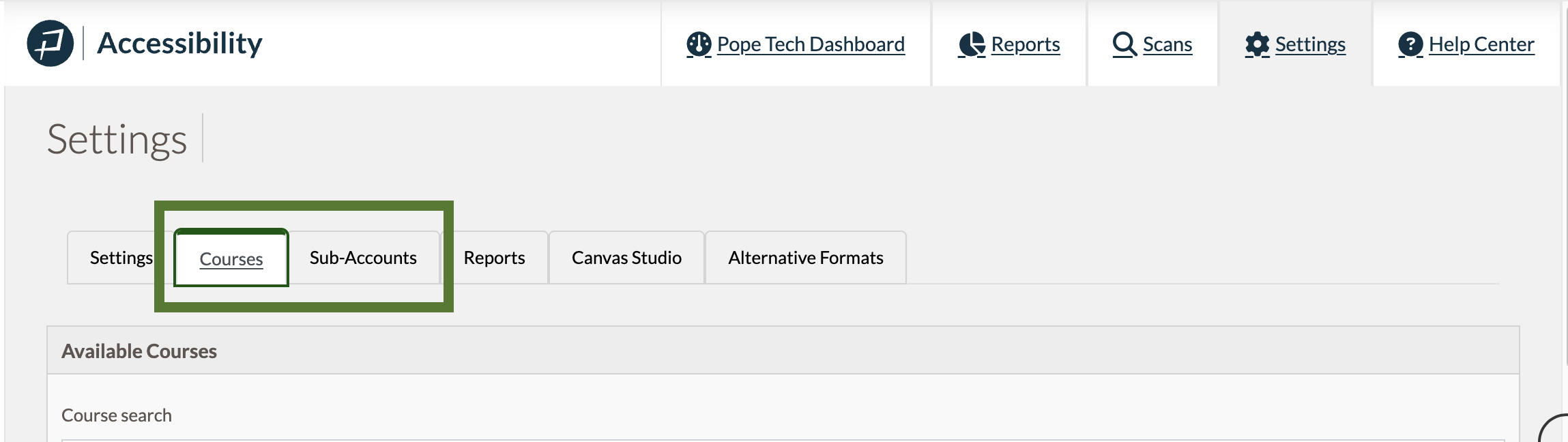
- Select the Courses or Subaccounts tab.
- Select the checkbox for the courses or subaccounts that need tags.
- Select Edit Tags. Adjust the tags. You can start typing to add new tags.
- Select Update.
Filter Admin Dashboard data and run reports using tags
Once you’ve added tags to courses or subaccounts, you can filter your Admin Dashboard data by those tags or run reports by tag.
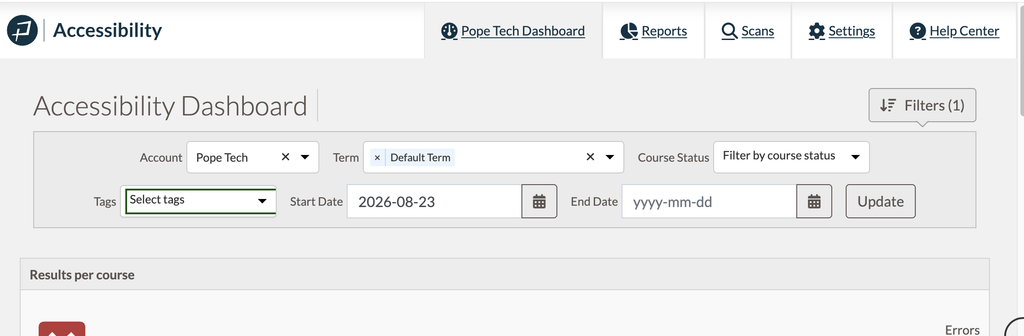
On your Pope Tech Admin Dashboard, select Filters to adjust the tag.
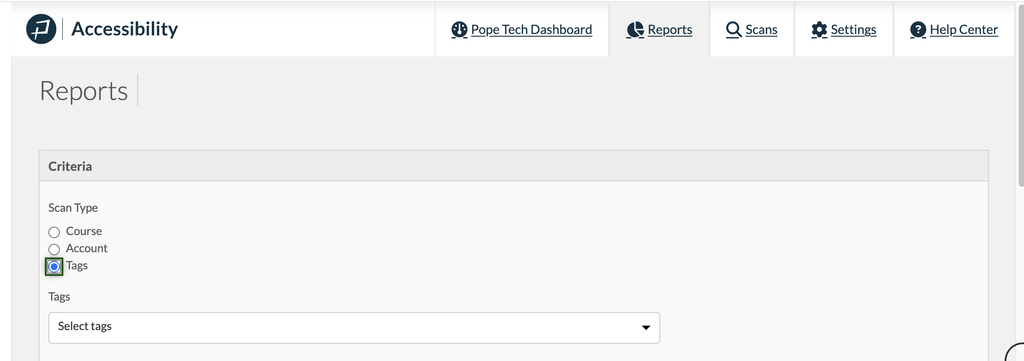
In your Admin Reports, there is a Tags Scan Type option.