Use tags to organize courses and subaccounts
How to add and use tags to organize course and subaccount data.
How to add and use tags to organize course and subaccount data.
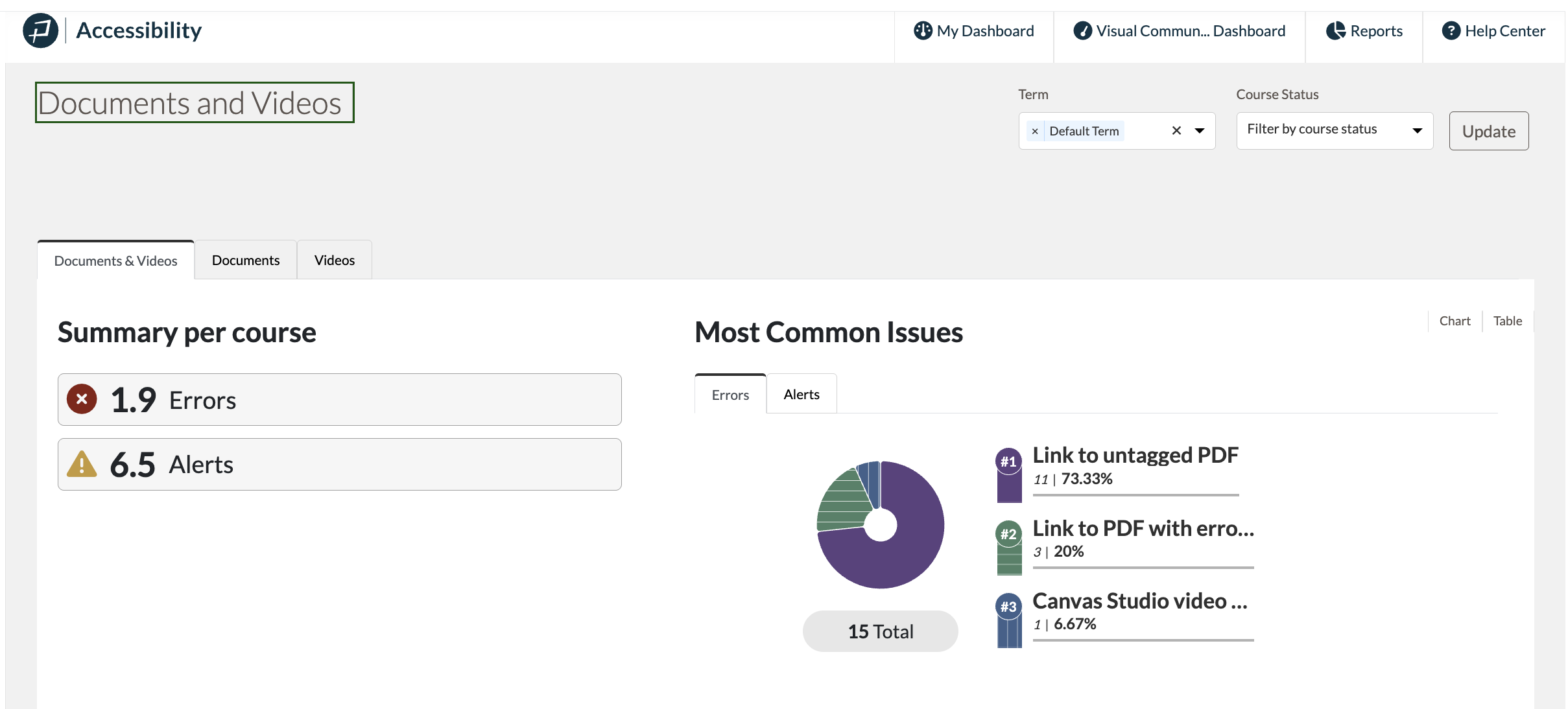
Pope Tech’s Canvas Accessibility Dashboards have a Documents and Video Dashboard, which lists all the documents and videos in the courses. This makes it easy for instructors to inventory their documents and videos for an accessibility review. In this article, we’ll cover how to navigate to the Documents and Videos Dashboard and how to use…
BeeLine Reader uses color gradients to help students and faculty read more easily. This helps readers of all ability levels, but is especially helpful for readers with disabilities like dyslexia, ADHD, or visual impairments. Give BeeLine Reader a try and learn more in our Pope Tech and BeeLine Reader Partnership Announcement. In this article, we’ll cover:…
Pope Tech is brining BeeLine Reader to students using the Canvas LMS.
Pope Tech PDF Scanning in Canvas LMS is powered by GrackleDocs PDF Testing engine, which uses the PDF/UA standard for its tests. In this article, we’ll cover what you need to know to start using PDF scanning results, including: Before you get started Pope Tech Results With PDF scanning, the generic Link to PDF document…