Scanner Settings

Summary: The Scanner Settings will allow you to modify and save your accessibility scanner’s Viewport Width, Evaluation Delay, and your Scan Rate Limit. Overview Access Scan Settings Viewport Width Evaluation Delay Scan Rate Limit Add Blocked Host Access Scan Settings To access these settings: Select the Websites menu from the main menu Choose a website…
How to exclude Pope Tech user agents from Google Analytics

Organizations who wish to exclude Pope Tech web requests from their Google Analytics data can do this utilizing filters in their Google Analytics admin settings. To do so, follow the instructions below: Navigate to the Admin tab Select Filters in the View column Select + Add Filter Enter a name in the Filter Name field, such as “Pope Tech Accessibility Scanning User-Agent”…

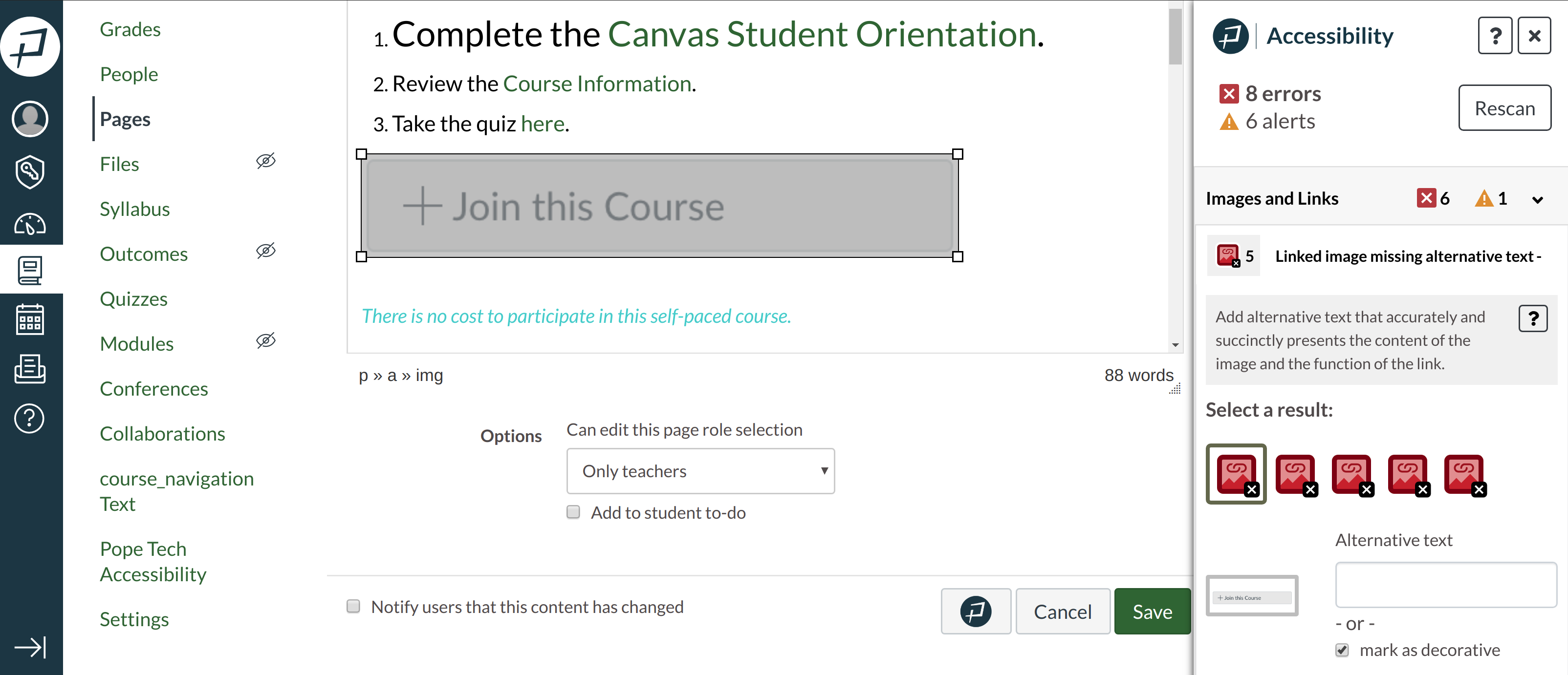
Instructor Accessibility Guide open in Canvas

Instructor Accessibility Guide for Canvas is Here

We are pleased to announce the release of our Instructor Accessibility Guide for Canvas. This is a product that will greatly improve the accessibility of HTML content inside of the Canvas Learning Management System (LMS) in a meaningful, easy-to-use, cost-affordable way. The interactive Instructor Guide integrates WAVE accessibility tests right into instructors’ content creation tools…

Instructor Accessibility Guide: Demo for Canvas LMS

For a transcript synchronized with the video, watch the video: Instructor Accessibility Guide: Demo for Canvas LMS with transcripts open on YouTube. Transcript With the Pope Tech Instructor Accessibility Guide installed, I can run this on any page with a WYSIWYG editor inside of the Canvas LMS. There is now the Pope Tech Accessibility Guide…